


DPG Toggle Switch - DPG1C
LIN-DPG1C32-000006
Regular price
$73.70 AUD
Sale price
$73.70 AUD
Regular price
Unit price
per
Tax included.
Shipping calculated at checkout.
Couldn't load pickup availability
Standard Features
Standard Features
Additional Information
Additional Information

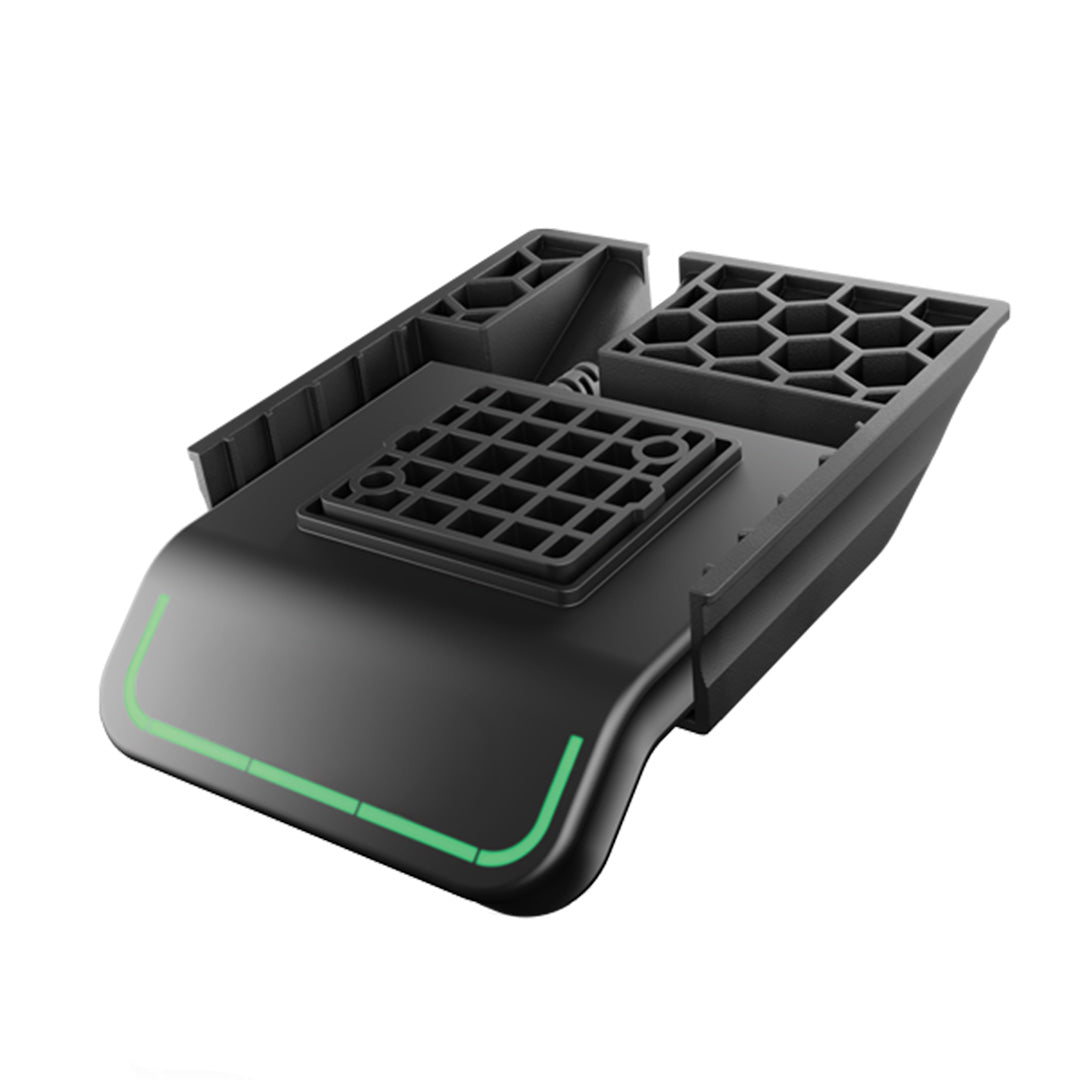
DPG1C - Advcanced Desk Control with Display & Bluetooth®
The DPG1C provides a highly responsive user experience through motion-based control, eliminating the need for traditional buttons.


How to initialise and adjust the desk with DPG1C
To initialise the desk: Tilt the panel downward and hold until the desk completes its downward movement.
To adjust the desk height: Tilt the panel down to lower and up to raise the desk.
How to use memory
To store a memory position:
Drive the desk to the desired height. Press and hold the “Star” button for 2 seconds. The white LED flashes and then stays solid to confirm the position is saved.
To recall a memory position:
Tilt and hold in the desired direction. The desk moves to the first stored position.
If automatic drive is enabled:
Tap the DPG twice in the desired direction. The desk automatically moves to the nearest saved position.
DPG1C Reset possibilities
Reset Options:
The DPG control panel supports three reset functions:
1. Reset memory positions
Press and hold the “Star” button for 8 seconds until the LED flashes red.
2. Reset light strip reminder
Press and hold the “Bell” button for 8 seconds until the LED flashes red.
3. Factory reset
Press and hold both the “Bell” and “Star” buttons simultaneously for 8 seconds until the LED flashes red.
How to set correct desk height
If the displayed height does not match the actual height of the desk, it can be adjusted manually:
- Measure the desk height from floor to tabletop.
- Press and hold the “Bell” and Bluetooth® buttons for 5 seconds.
- When the display blinks, tilt the panel up to increase or down to decrease the value.
Switch Between cm and inches
- Press and hold the “Star” and Bluetooth® buttons for 5 seconds.
- When the display blinks, tilt the panel up or down to toggle between centimetres and inches.
How to store up to 4 memory positions and how to reset memory
Select Number of Memory Positions
Drive the desk to the desired height. Press the “Star” button repeatedly until the display shows either “star 3” or “star 4”, depending on how many memory positions you want to use. Release the button to confirm.
Store a Memory Position
Press and hold the “Star” button for 2 seconds. The white LED flashes, then remains solid to confirm the position is saved.
Reset All Memory Positions
Press and hold the “Star” button for 8 seconds until the LED flashes red.